
Export Responses: Downloading Participant Data
You can export your results to a .cvs or XML file, which are both easily imported into Microsoft Excel and many other programs. Export is in the left-hand menu under Responses › Export.
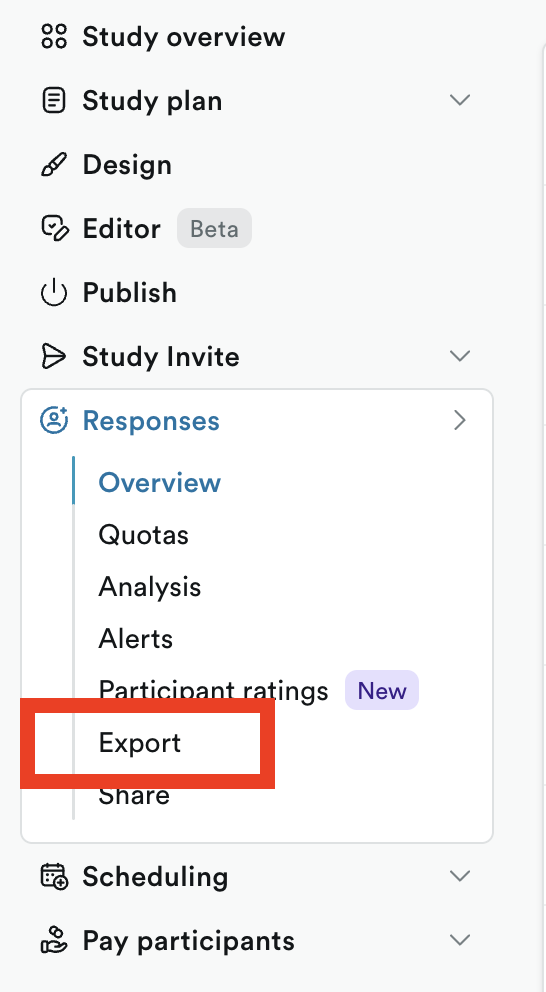
Exporting requires Edit access to the study. If you don't see Export, an account owner or admin can upgrade your permissions.

If you've turned on Pool Attributes from responses › column manager, make sure this setting is turned on to include those attributes in the export:

🗑️ Deleted questions are in export
If you've deleted any screener/study questions, please note that both the question and original answers will be included in the export.