
All about study links
You may have an interest in directly linking people to your Study to send out via email or post on Facebook, Twitter, etc. Ethnio makes it easy to do this. They are responsive and mobile-friendly, and a great way to use in targeted ads or social media.
Where to find your Study link
Go into your Study › Publish and make sure Study link is selected

Or no matter where you are within in your Study, you can click on the Preview or Study Link icon in the upper right hand corner, under your name:

Pro Tips
-
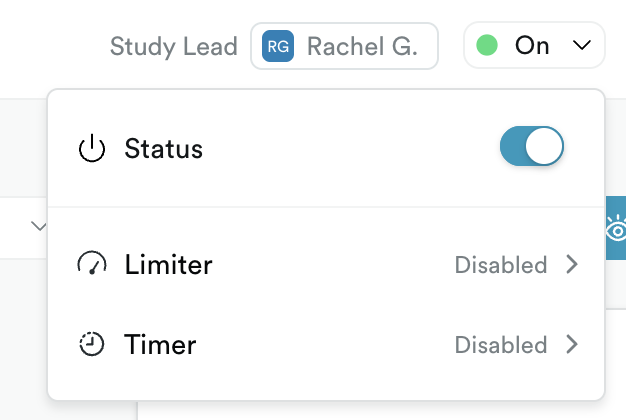
Make sure to turn the Study ON. Which you'll find next to the Preview and Study Link icons.
Tips
From Design, check these settings
- Select Link and review the page title and post preview settings
- Use the default theme
And consider using required questions