
Invited a team member but they never got the email: four quick steps to get them the activation URL
If you've invited anyone to your Ethnio account and they never got the email, here are four quick steps to get them their activation URL without them needing that invite email. Btw, this is assuming you already asked them to check their spam folder, and there are a few reasons why one person might not be able to receive Ethnio emails but you or others on your team get them just fine.
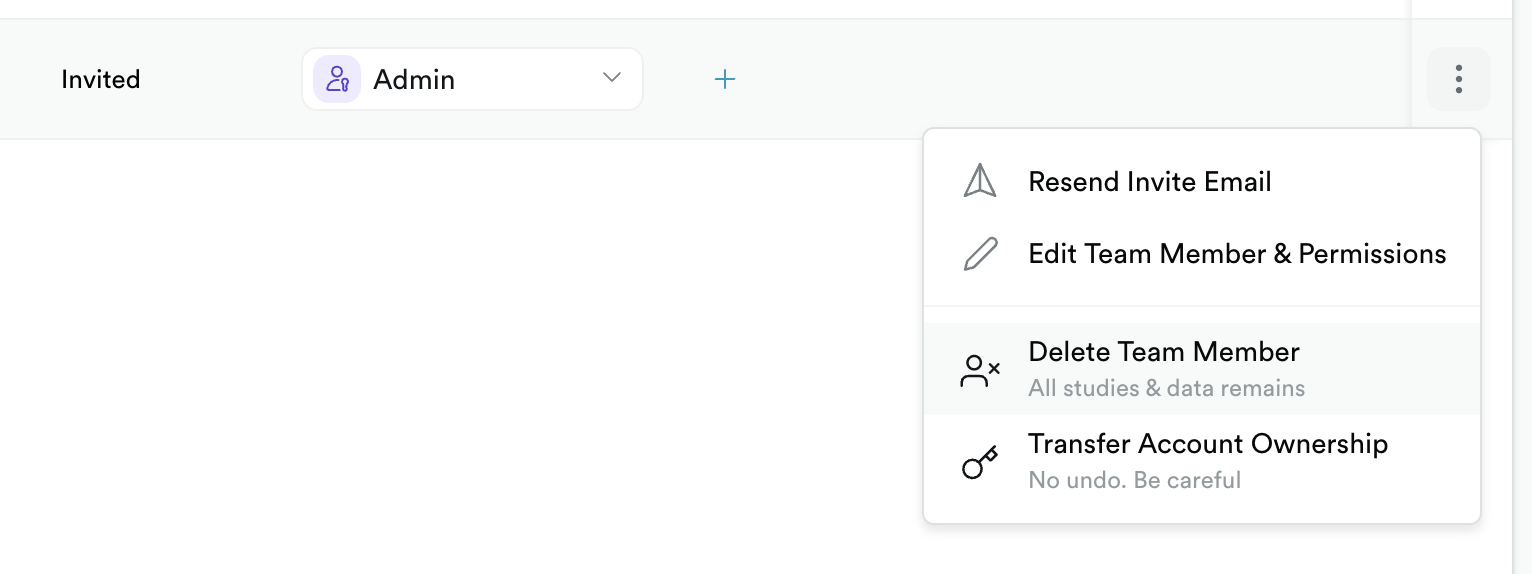
Step 1: Delete the invited team member from account › people › ⋮ and then delete the team member that is currently showing as invited. Don't worry we'll invite them again below.
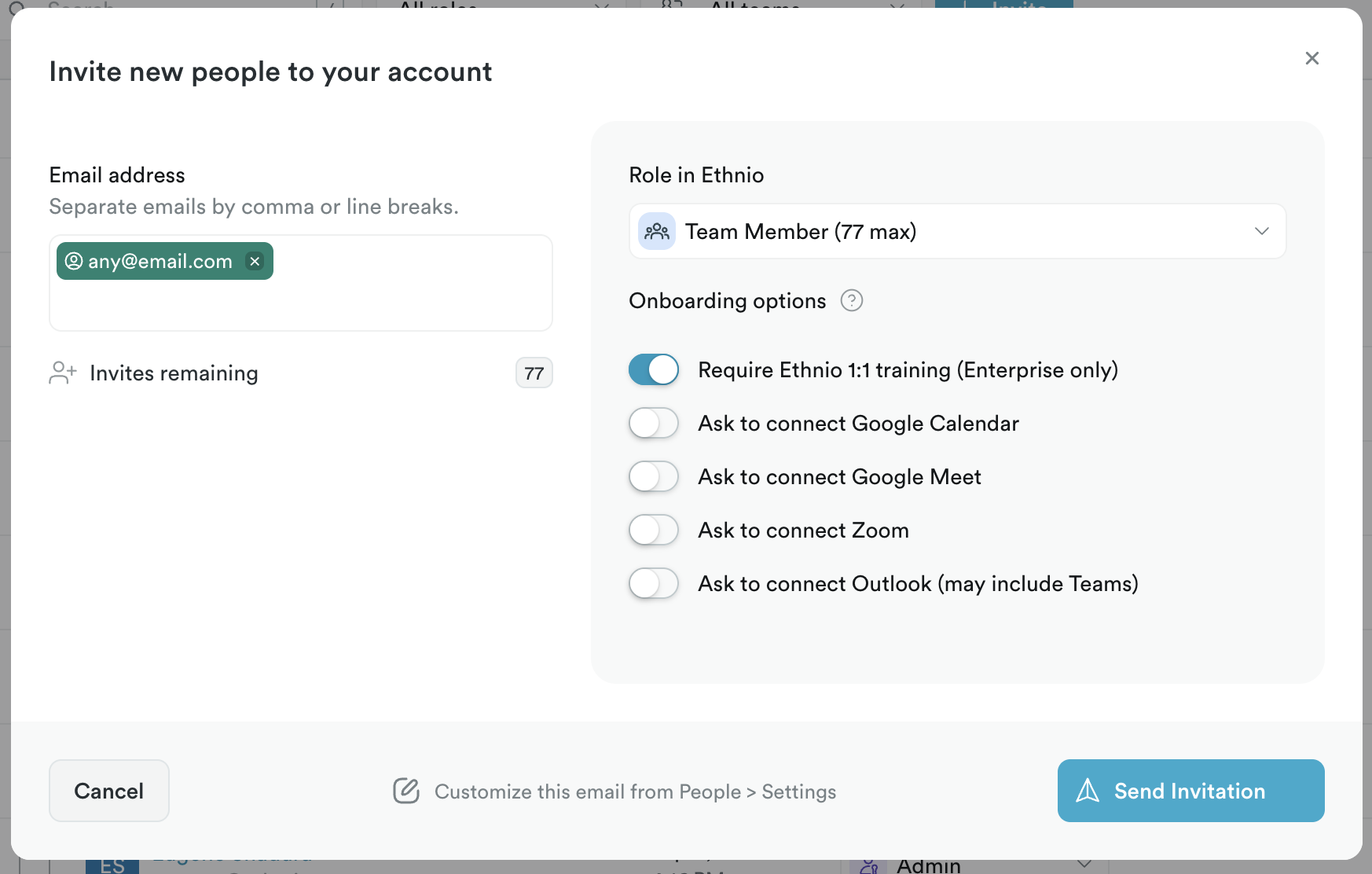
Step 2: Invite them as a new team member from that same page, which will get us their activation URL
Step 3: Copy the URL from that modal:
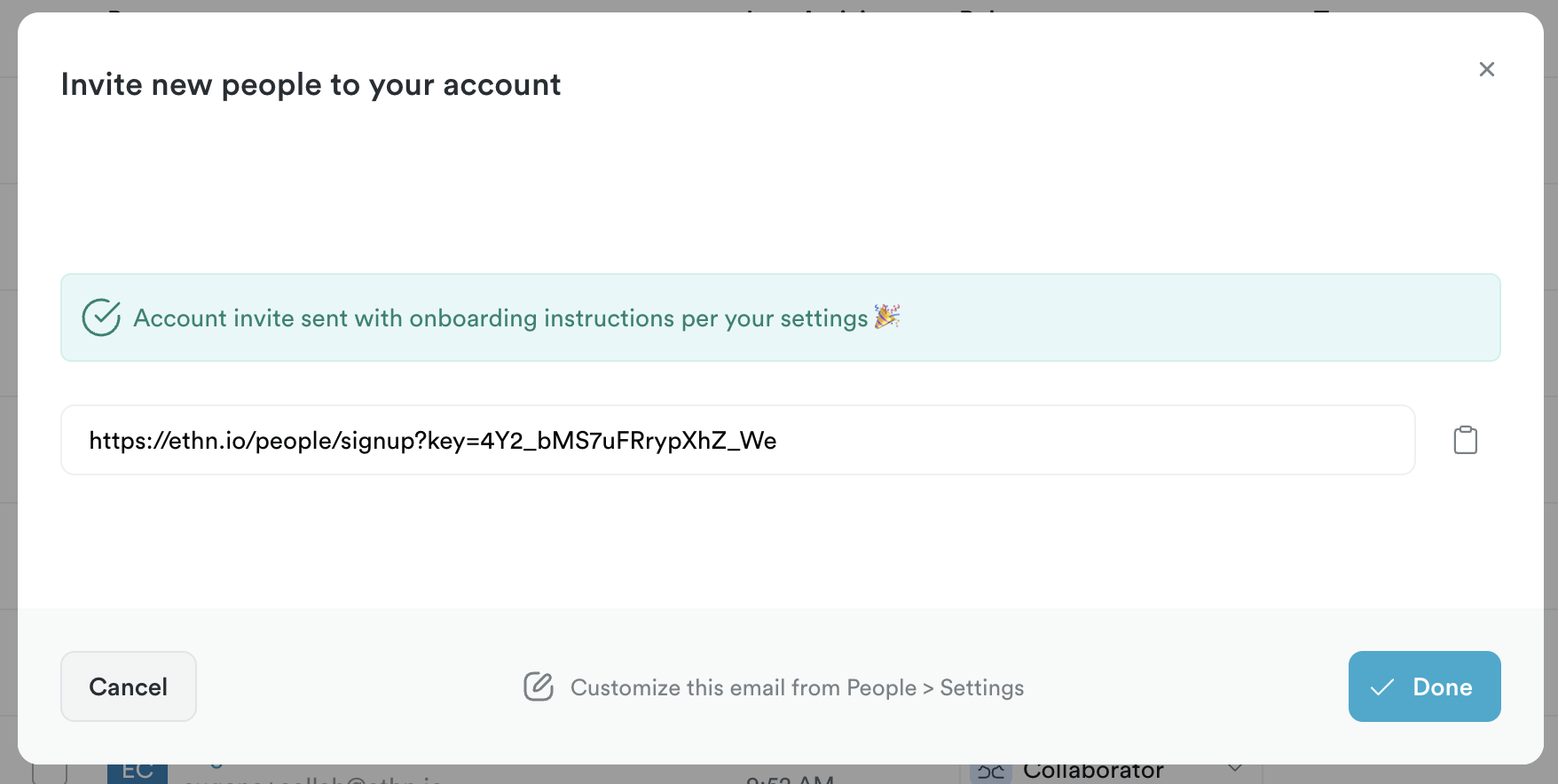
Step 4: Send that activation URL directly to the team member, being especially careful that it will expire fairly quickly (24hrs or less) so verify they click it and activate within a few hours.