Quickly Schedule Participants From a List 🗓️
Scheduling participants without a screener is possible in Ethnio 😊 If you already have a list of participants you’ve selected and only need scheduling, you can invite them straight into a scheduling flow without using screener questions.
Step 1: Import participants
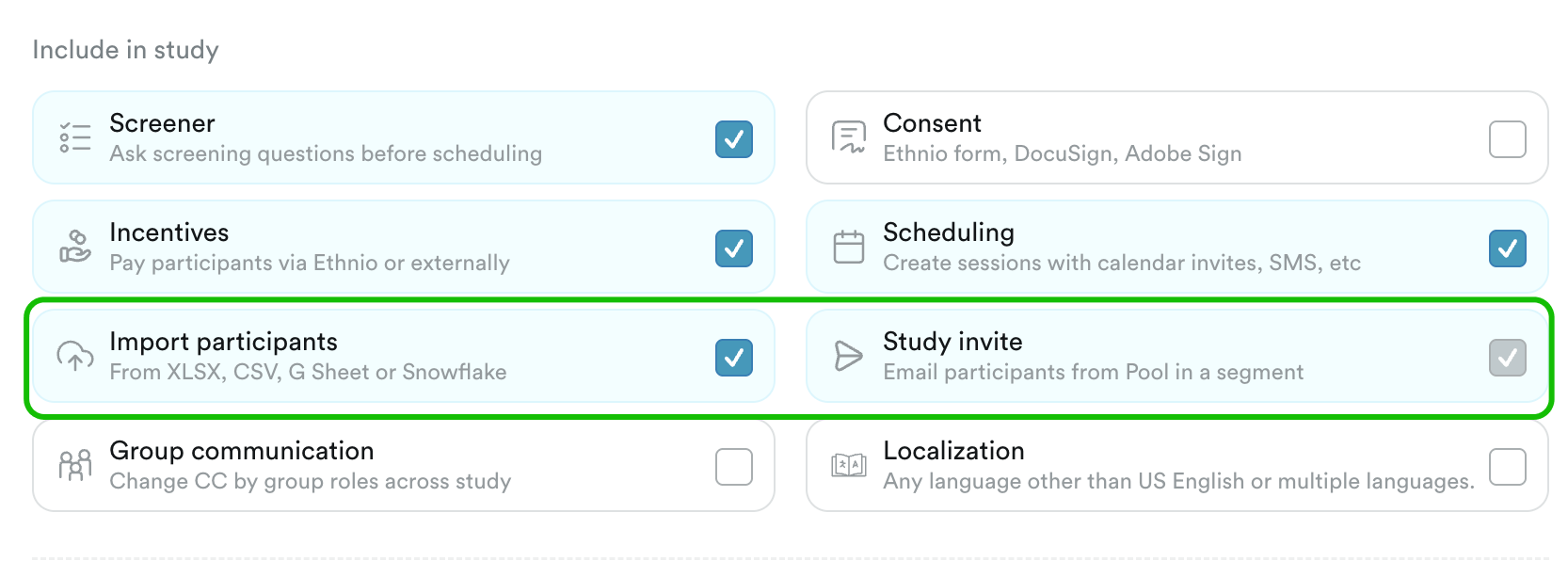
Make sure import participants & study invite are both turned on in your study plan › key elements. Then upload your list right into your study. If the list is already in Pool, you can also select them using segments or filters from study invite › audience:
Step 2: Editor
Head to Study › Editor to have scheduling question first at the top and only be a single page. The contact fields can be below that and will pre-populate automatically from the study invite. Pro tip: make sure welcome page is turned off from Study › Design. Example from our demo account: https://ethn.io/studies/57920/preview?l=en-us#dl (note the contact fields would all be automatically pre-filled, and you can even hide them if you'd like).
Step 3: Send study invite
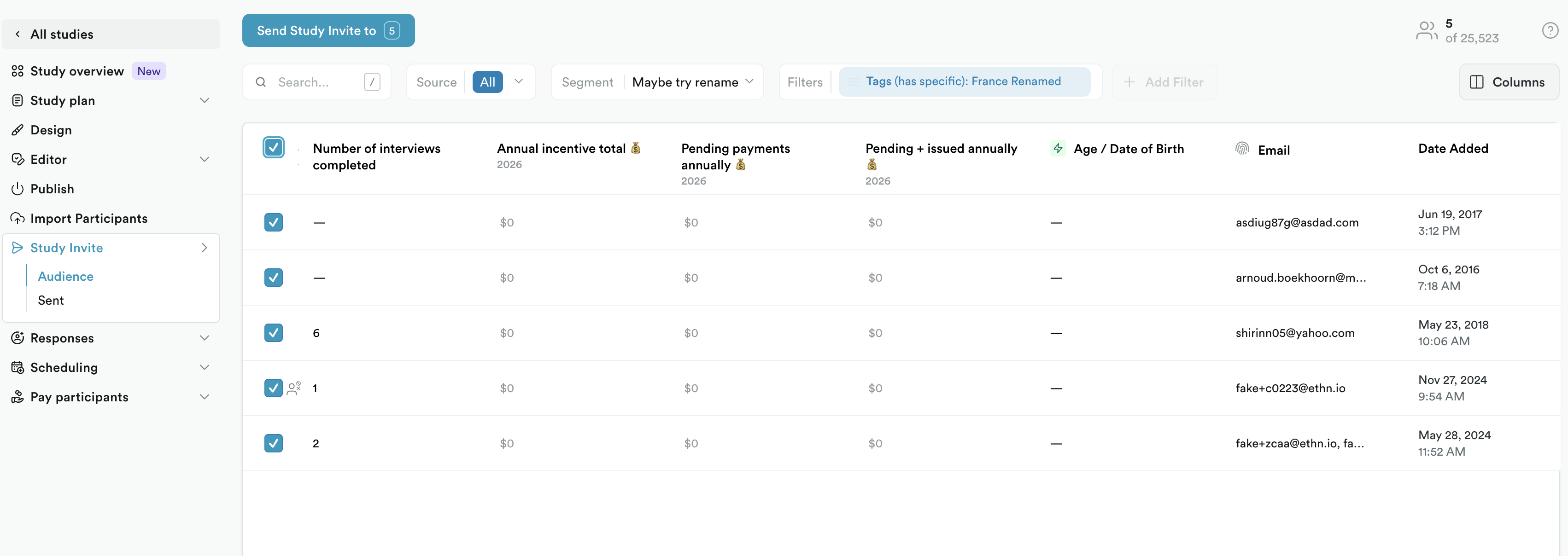
Head to study › study invite, and select all the participants from your list:
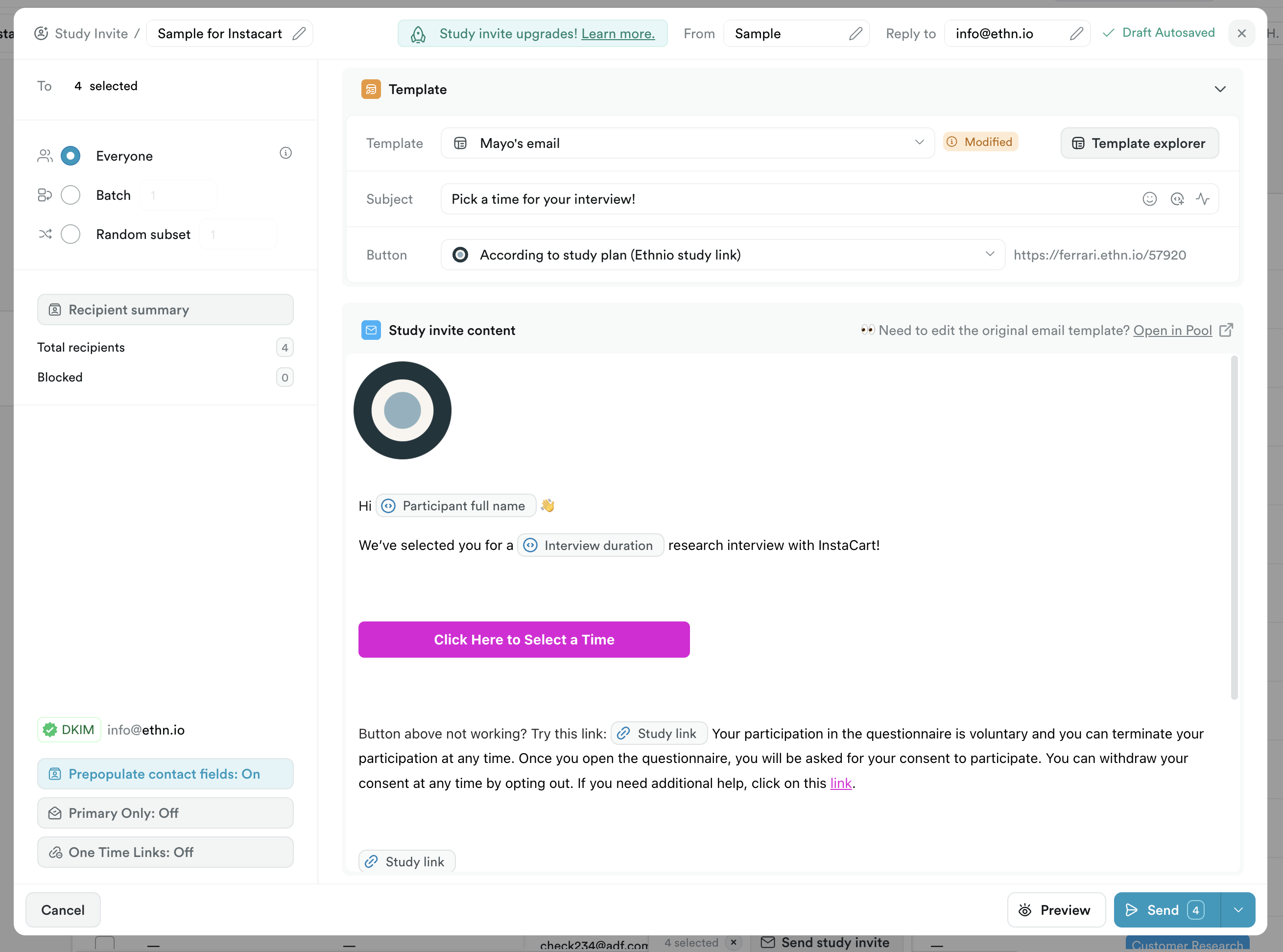
Then edit the study invite to simply say "We'd like to schedule you and you'll earn X incentive" and then make sure the prepopulate option is turned on: